NODI
Language

Local-first notes for macOS

Your notes live here. Nowhere else.

NODI is a quiet, native notes app for the Mac. Rich text, notebooks, instant search, voice notes, and images you can search, all stored on your disk. Private notes are encrypted. No account, no cloud, no sync server.

Watch the tour Build from source macOS 15 Sequoia or later

A tour of NODI

Animated tour of NODI: inserting a receipt into a note, related notes, dictating a note and playing its recording from a sentence, finding a word printed on the receipt with search, and switching to dark mode.
The real NODI interface with demo notes: a receipt image in a note, related notes, a dictated note with a spoken title whose recording plays from any sentence, a search that finds a word inside the image, and dark mode.

Features

Everything a note needs. Nothing it doesn't.

Editor

A writing surface that stays out of the way

Headings, bullet and numbered lists, checklists, tables, links and highlights. Every change saves automatically, and if a save ever fails NODI keeps your text and lets you retry.
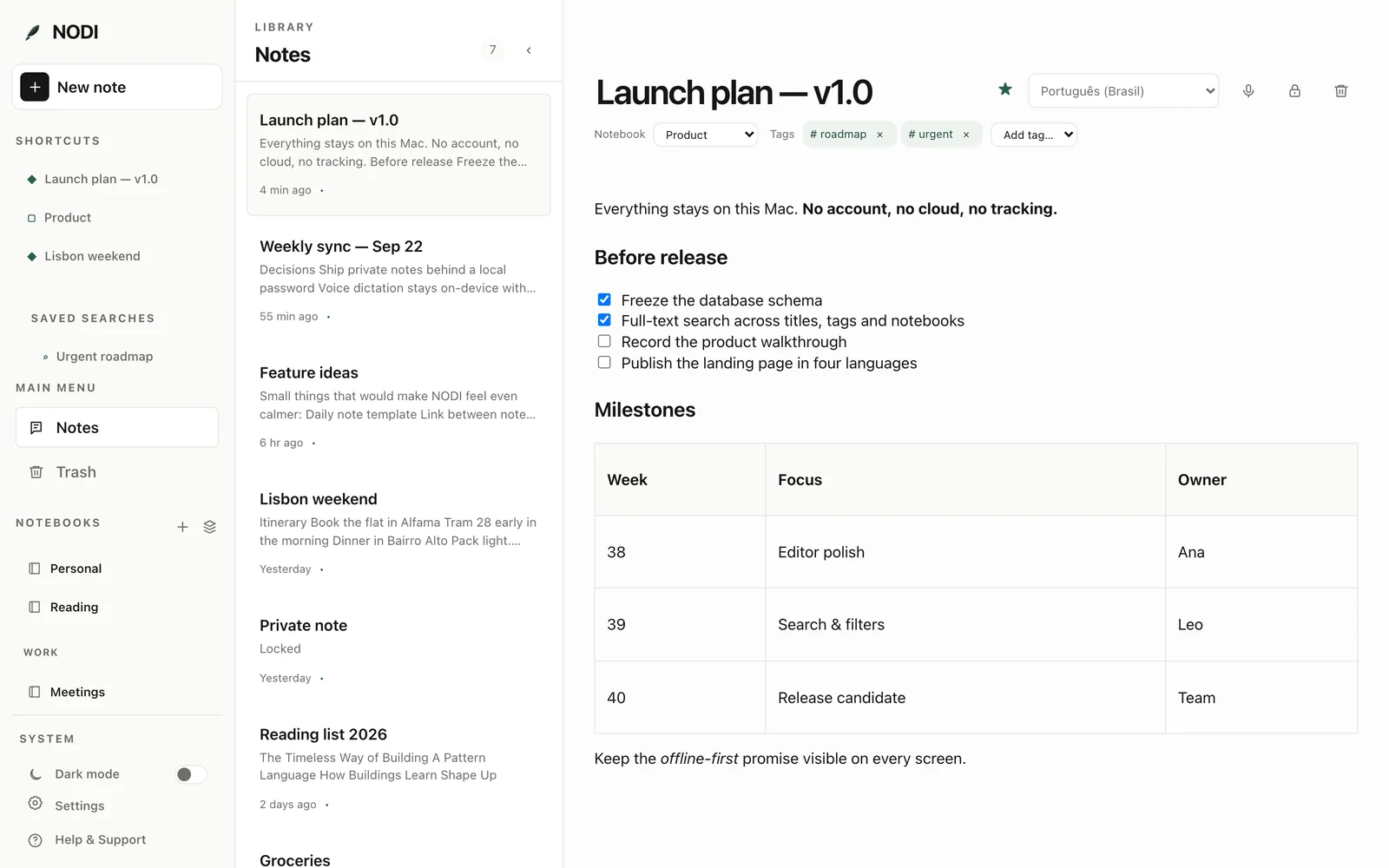
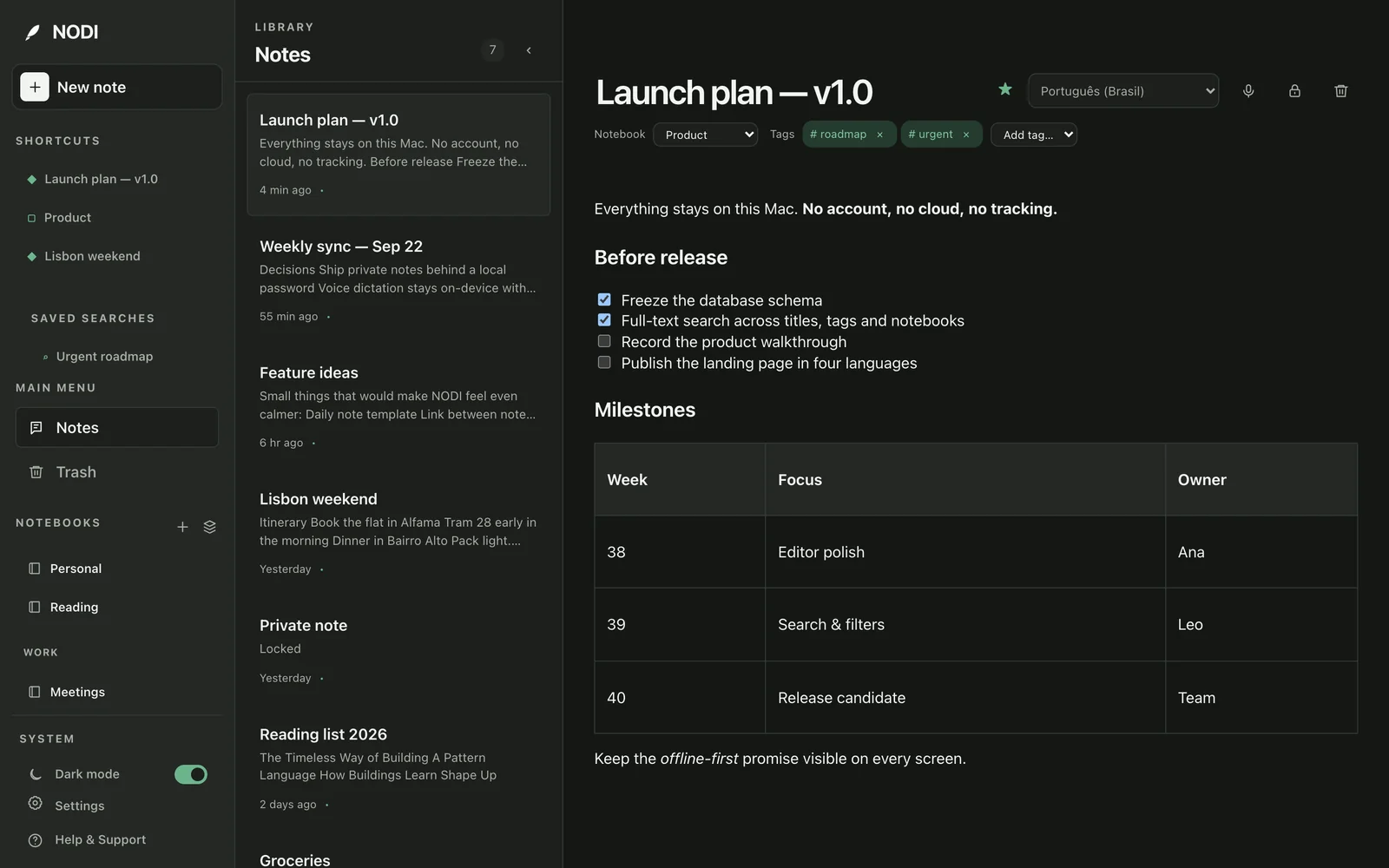
NODI editor showing a launch plan with a checklist and a milestones table. NODI editor showing a launch plan with a checklist and a milestones table.
Search

Find anything with ⌘ K

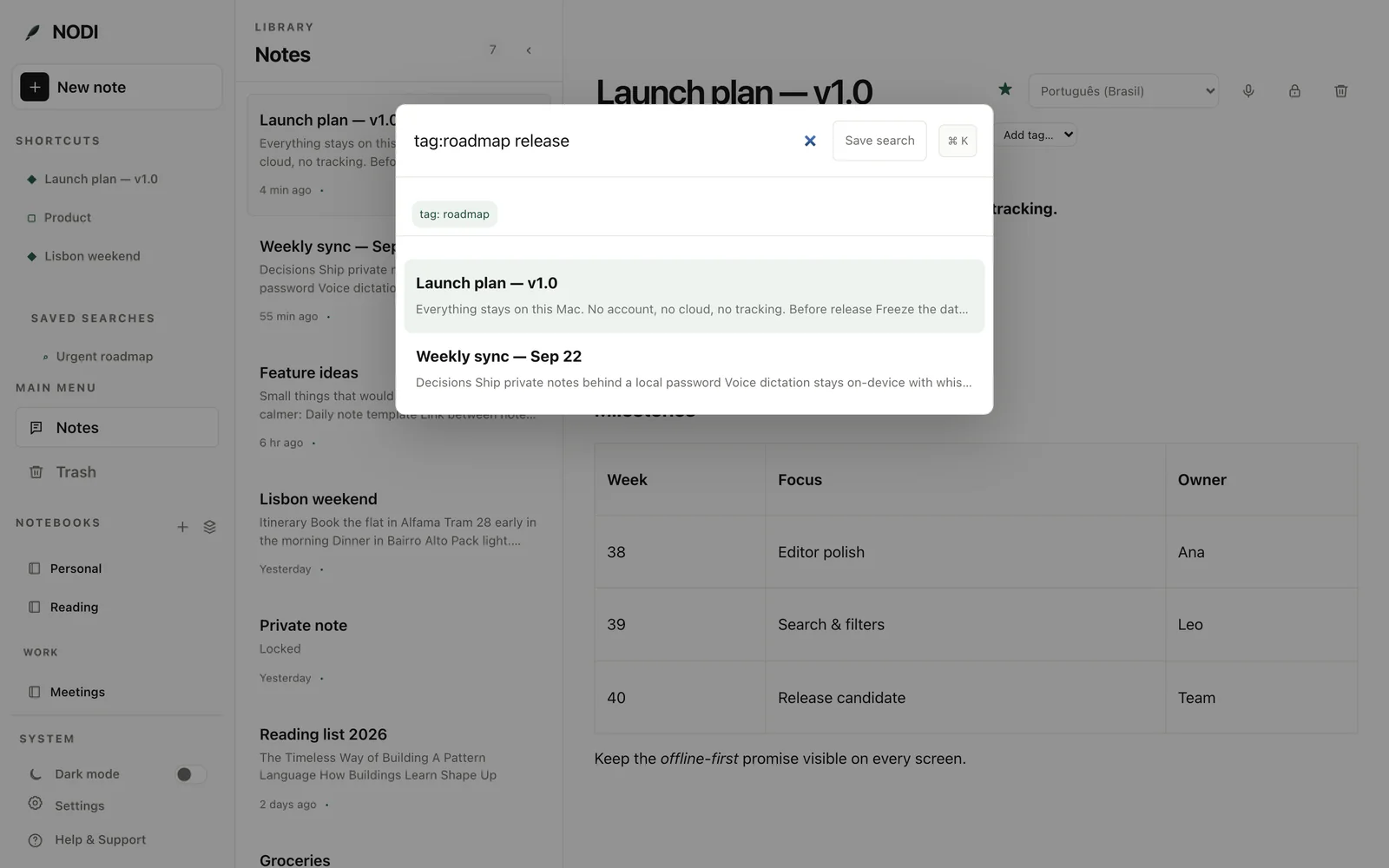
Full-text search across titles, note bodies, tags and notebooks. Narrow results with filters and save the searches you run every week.

tag:notebook:created:updated:
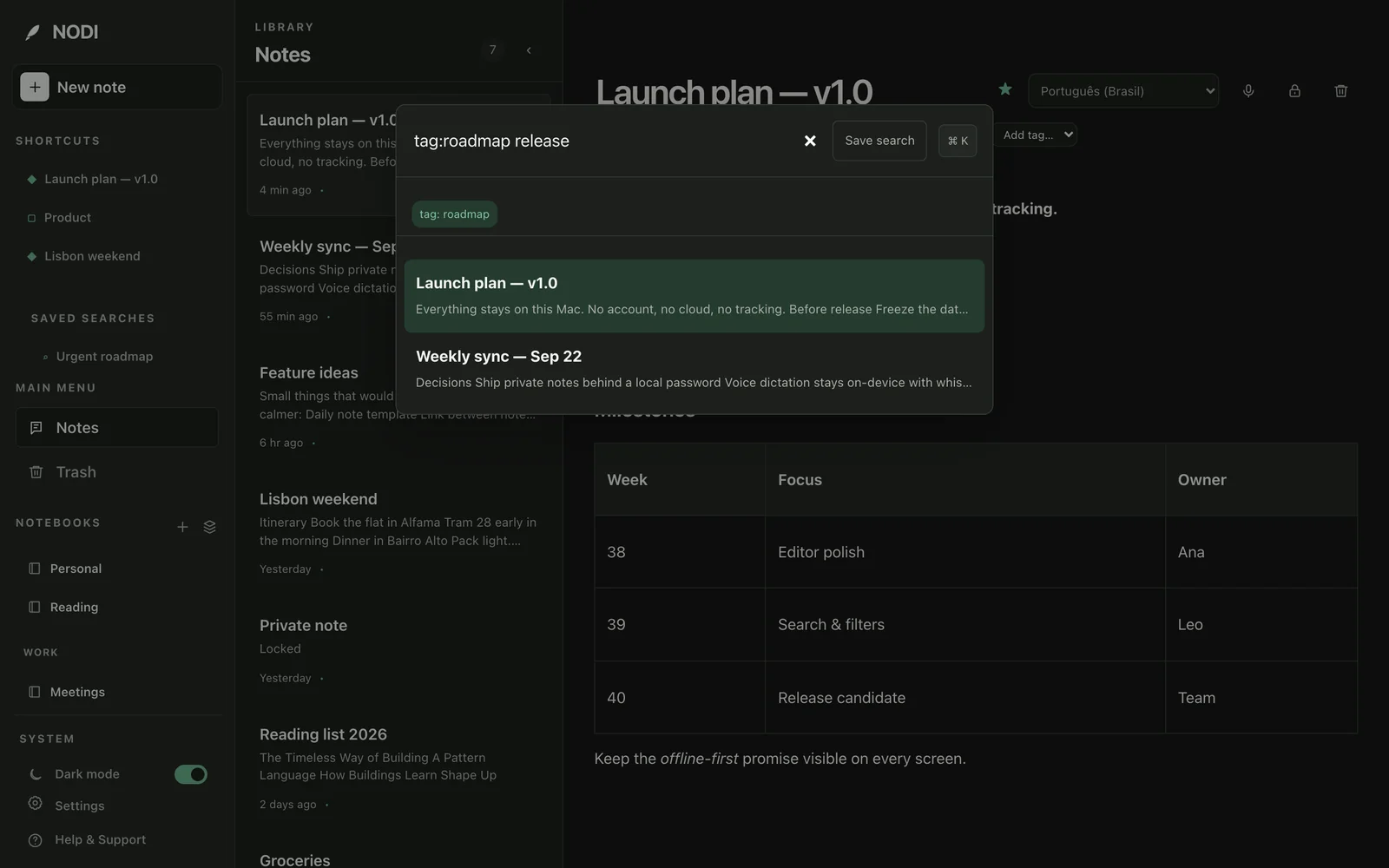
The NODI search dialog filtering notes with tag:roadmap release. The NODI search dialog filtering notes with tag:roadmap release.
Organize

Notebooks, stacks, tags and shortcuts

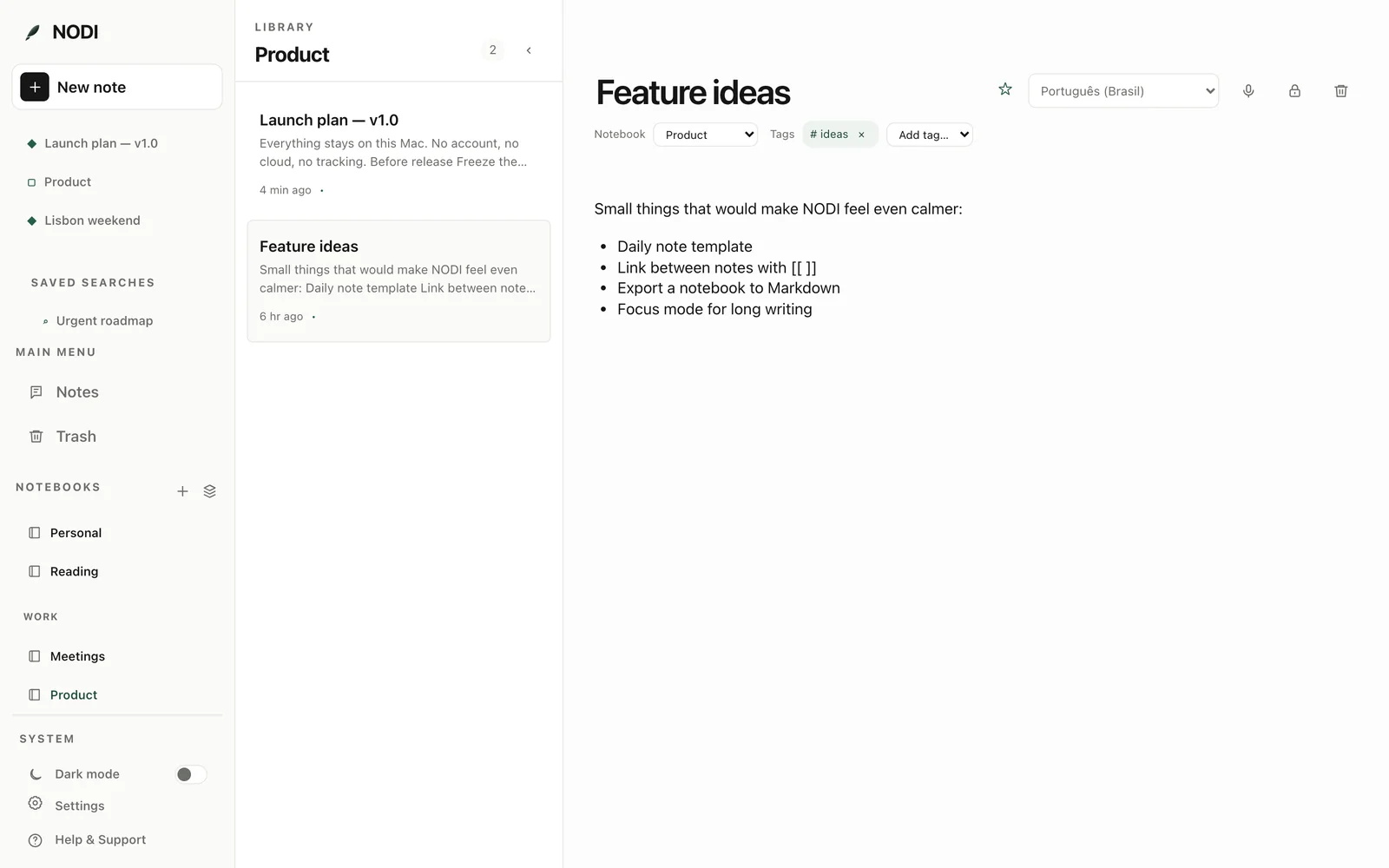
Group notebooks into stacks, tag notes across them, and keep the notes and notebooks you open every day one click away in Shortcuts.

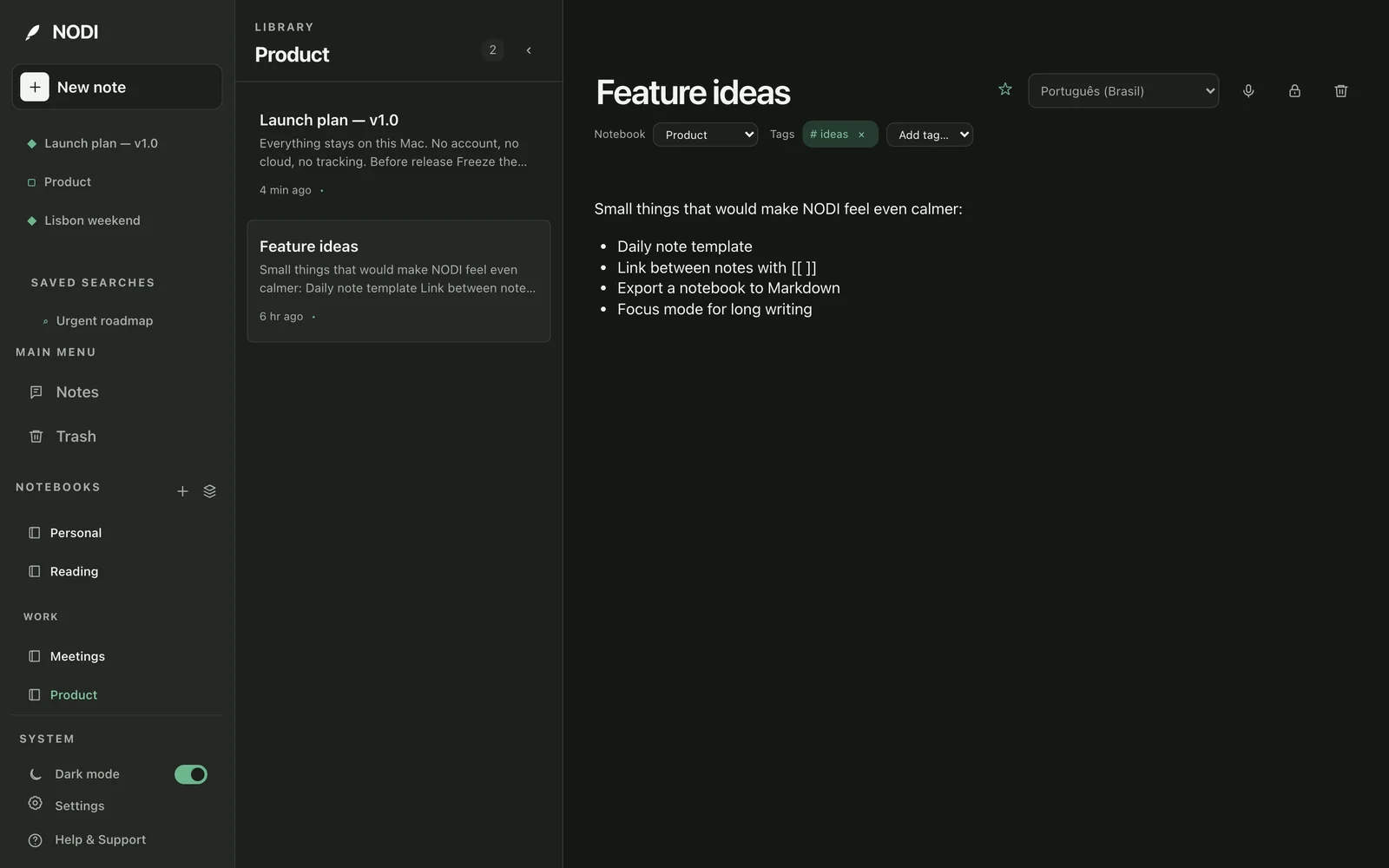
The Product notebook open in NODI, with the Work stack and shortcuts in the sidebar. The Product notebook open in NODI, with the Work stack and shortcuts in the sidebar.
Private notes

Lock the notes that are only yours

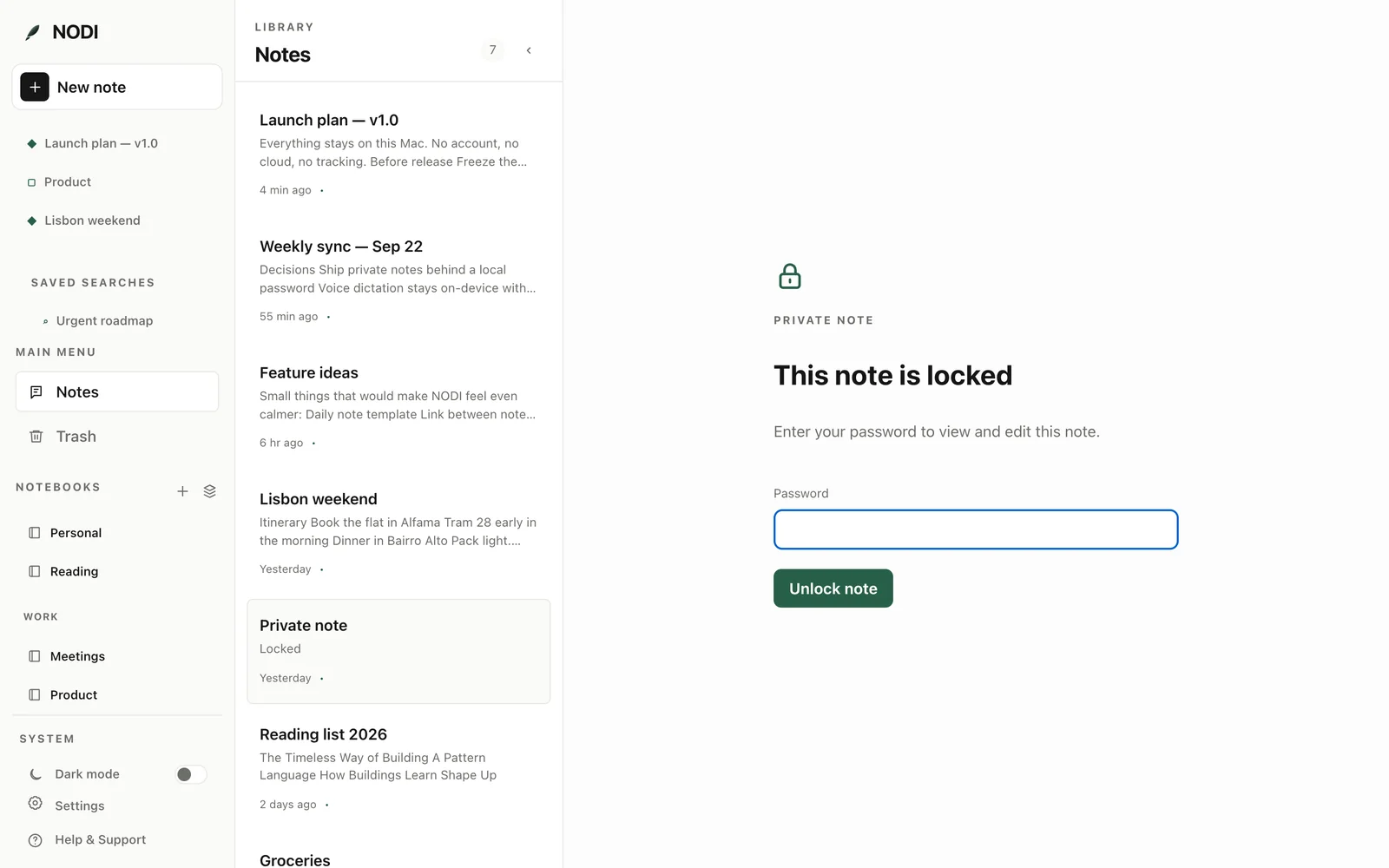
Put any note behind a password. Its title and content are encrypted with AES-256 on your disk; the password itself is never stored, and private notes stay out of search, Spotlight, and the Markdown mirror.

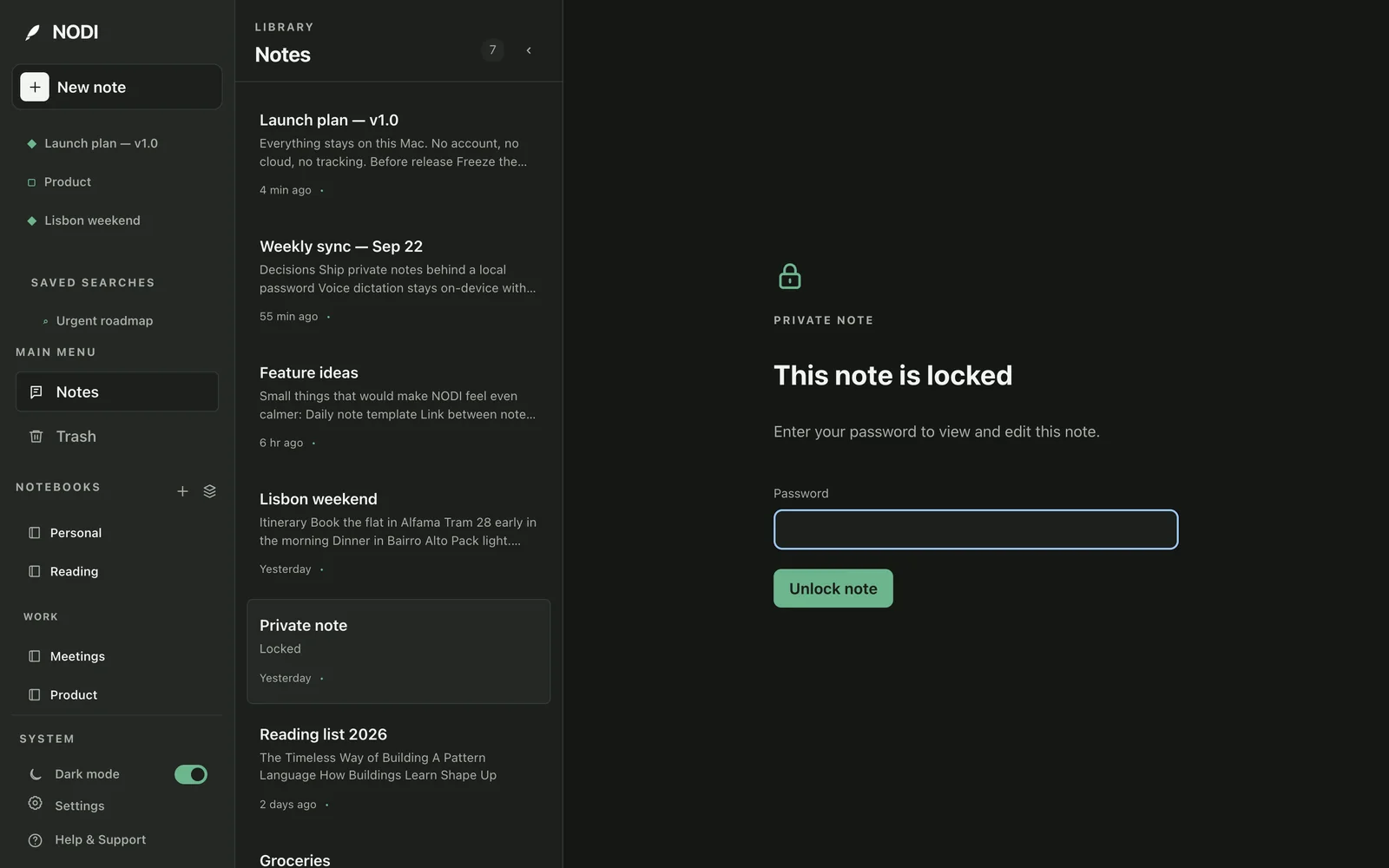
A locked private note in NODI asking for a password. A locked private note in NODI asking for a password.
Voice

Speak a note, keep what was said

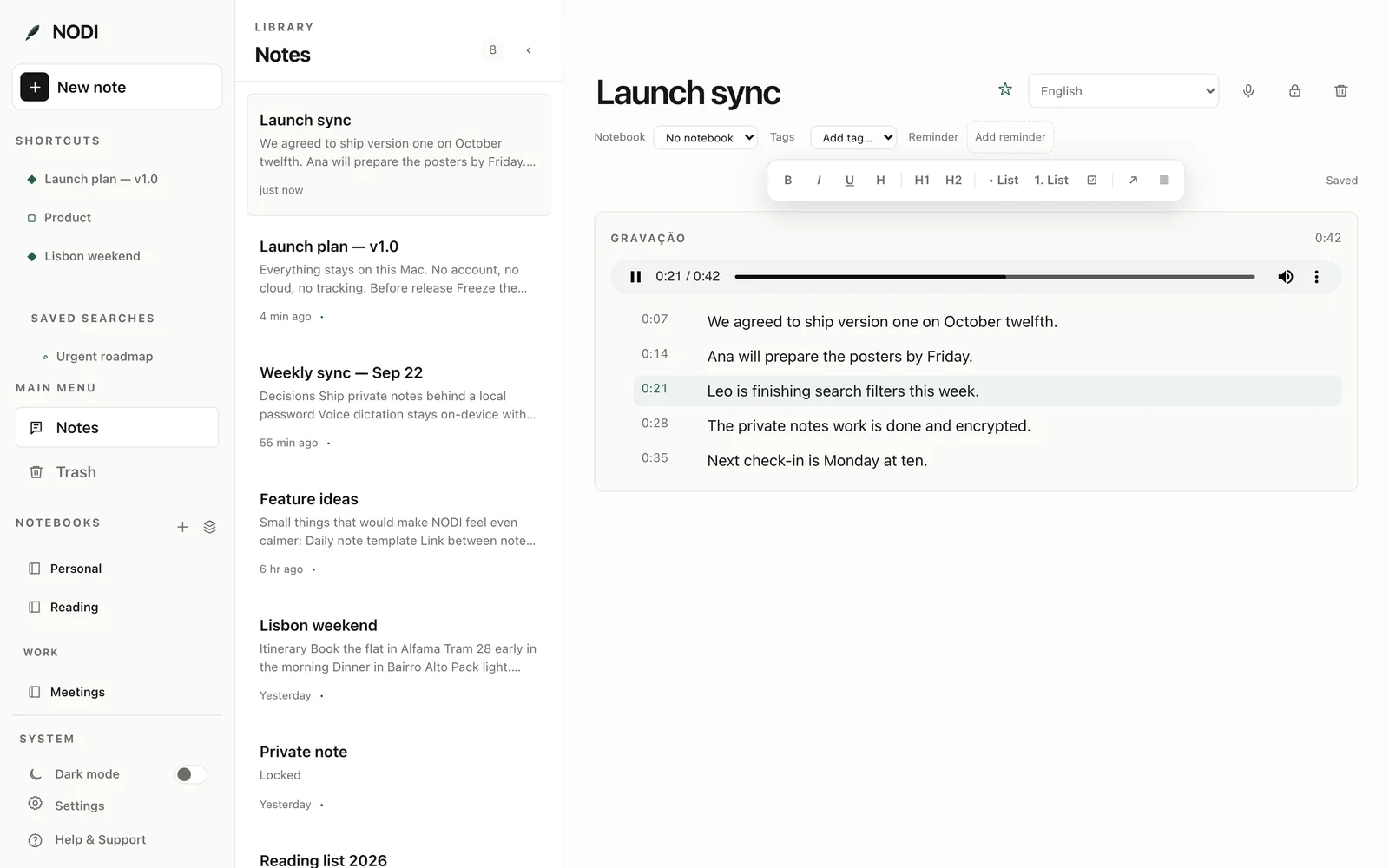
Dictate and whisper.cpp transcribes on your Mac. Say a title, a notebook, tags, or “remind me tomorrow at 9” and NODI files the note. Keep the recording, and every sentence plays back from the moment it was spoken.

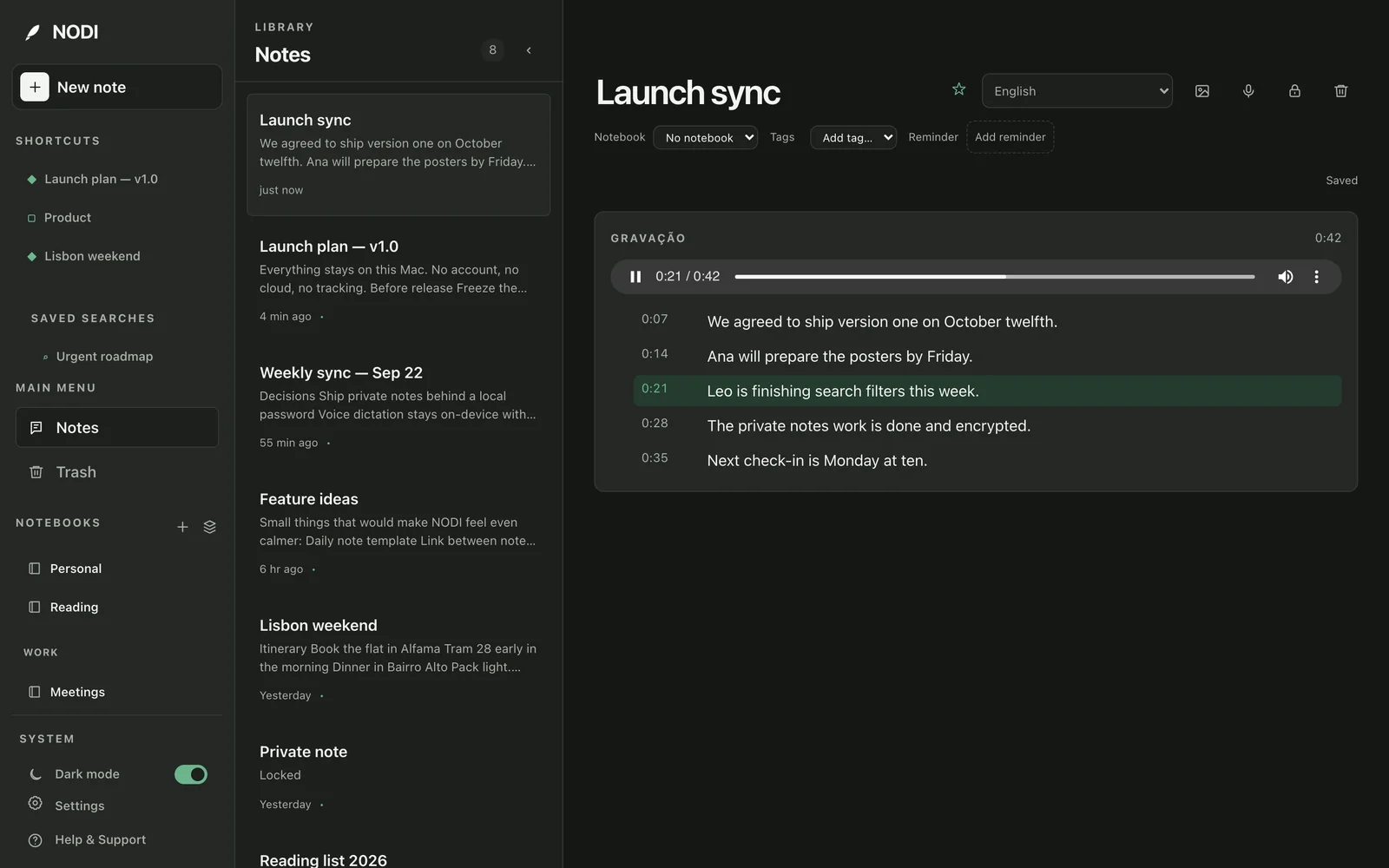
A voice recording in NODI with its timed transcript, playing from one sentence. A voice recording in NODI with its timed transcript, playing from one sentence.
Images

Search what's inside your images

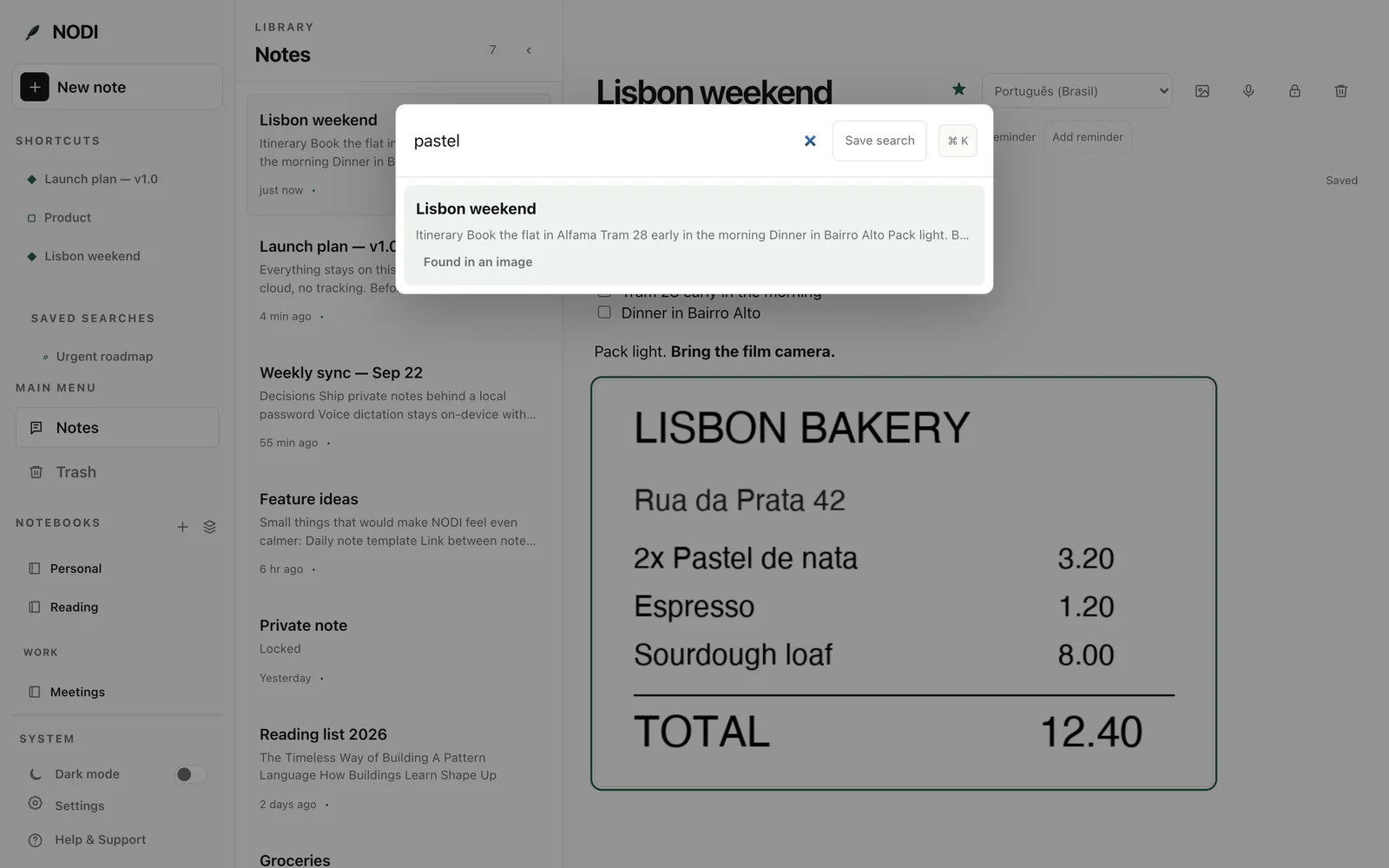
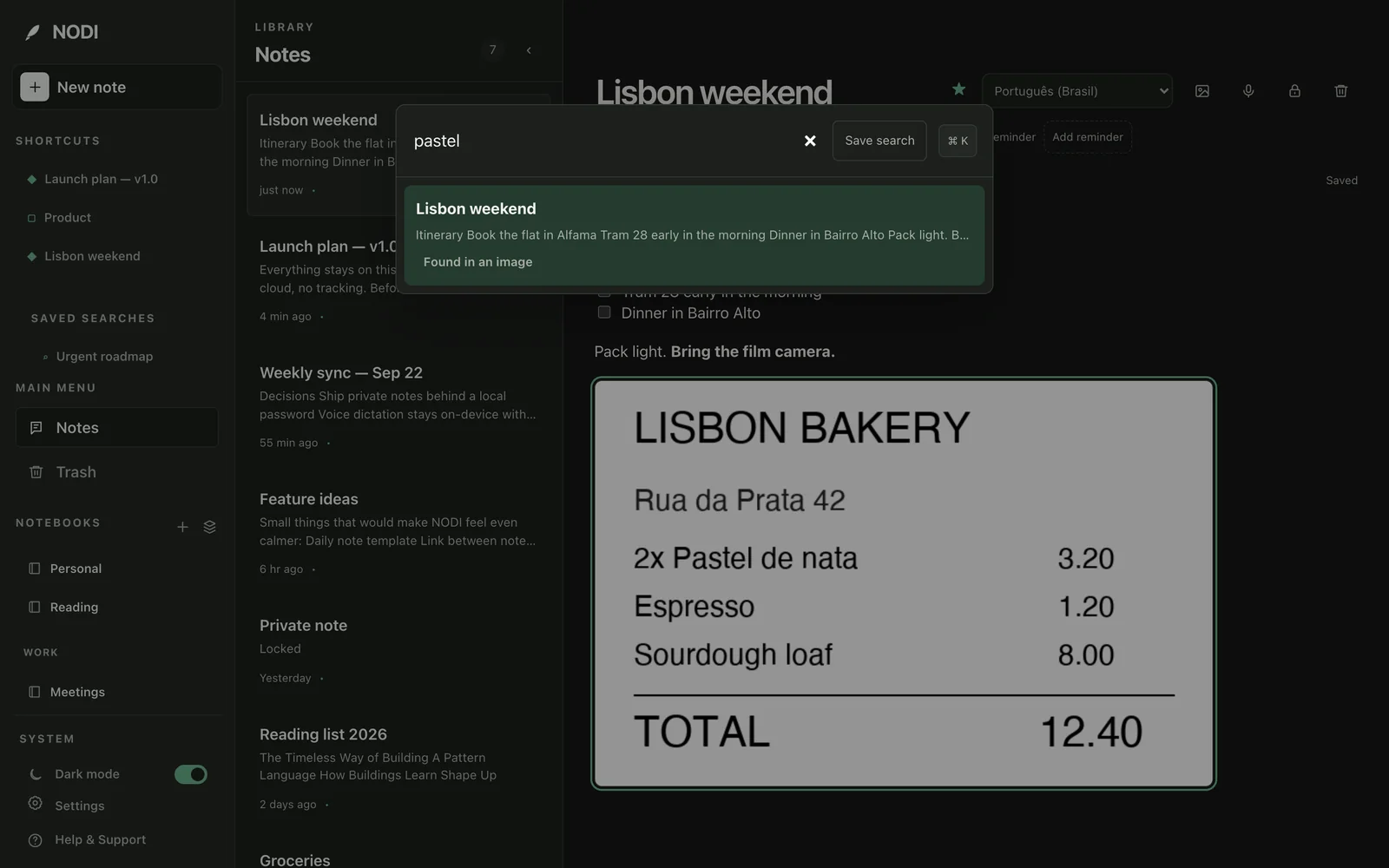
Paste, drop, or insert a screenshot or the photo of a receipt. Apple's Vision framework reads its text on your Mac, and search finds it, marked “Found in an image”.

A NODI search for “pastel” finding a receipt image. A NODI search for “pastel” finding a receipt image.

Reminders that come back

Any note can carry a reminder, delivered as a macOS notification. Private notes appear as “Private note”.

Related notes

Each note shows the notes closest to it in meaning, computed on your Mac with Apple's NaturalLanguage framework.

A Markdown mirror

Keep a folder of Markdown files that mirrors your notes, so they outlive the app. Files you add yourself are left alone.

Capture from anywhere

⌥⌘N and the menu bar start a note, “NODI” joins the Share menu, and public notes can appear in Spotlight.

Light and dark

Follows your system setting or your own choice, with the same calm palette in both.

Built in the open

The About page inside the app keeps a dated screenshot of every step in NODI's history.

Before and after

What NODI makes of your input

Two small examples of what happens to what you give NODI.

Spoken sentence → checklist

Dictate a list out loud and NODI recognizes it: the transcript is inserted as real checklist items, not a run-on sentence.

You say

“Make a to-do list: call the printer, review the contract and send the invoice”

NODI writes
  • call the printer
  • review the contract
  • send the invoice

List commands are recognized in Portuguese and English (“crie uma lista…”, “make a list…”). Anything else is inserted as plain dictated text.

Light ↔ dark

The same note in both themes. Drag the handle, or focus it and use the arrow keys: light on the left, dark on the right.

Light Dark

Privacy

What NODI never does

There is no backend to trust, because there is no backend. And the parts that understand your notes run on your Mac.

  • Ask you to create an account
  • Upload your notes to a server
  • Send your voice, images, or notes to the cloud to be understood
  • Track what you write
  • Store private notes in readable form
Everything lives in one file you can back up yourself: ~/Library/Application Support/com.nodi.app/nodi.db

Under the hood

Built with boring, durable parts

Platform
macOS 15 Sequoia or later
App
Tauri 2 · React · TypeScript
Storage
SQLite with versioned migrations
Note format
Tiptap JSON
Search
SQLite FTS5 full-text index
Private notes
AES-256-GCM, key wrapped by PBKDF2
Image text
Apple Vision, on-device
Related notes
Apple NaturalLanguage embeddings
macOS
Share menu · Spotlight · ⌥⌘N
Voice
whisper.cpp with Metal, on-device · up to 1 hour

Install

Build NODI on your Mac

NODI is built from source for now. You need Node.js, pnpm, Rust, Xcode (or its Command Line Tools) and CMake.

  1. Install dependencies with pnpm.
  2. Build the app. Tauri produces a .dmg in src-tauri/target/release/bundle/dmg/.
  3. Open the .dmg and drag NODI into Applications.
zsh
# check your toolchain
$ node --version && pnpm --version && cargo --version && cmake --version

# install and build
$ pnpm install
$ pnpm tauri build